
Written scope and responsibilities
We document deliverables, responsibilities, dependencies, review points and exclusions before production begins, so every participant works from the same agreed scope.
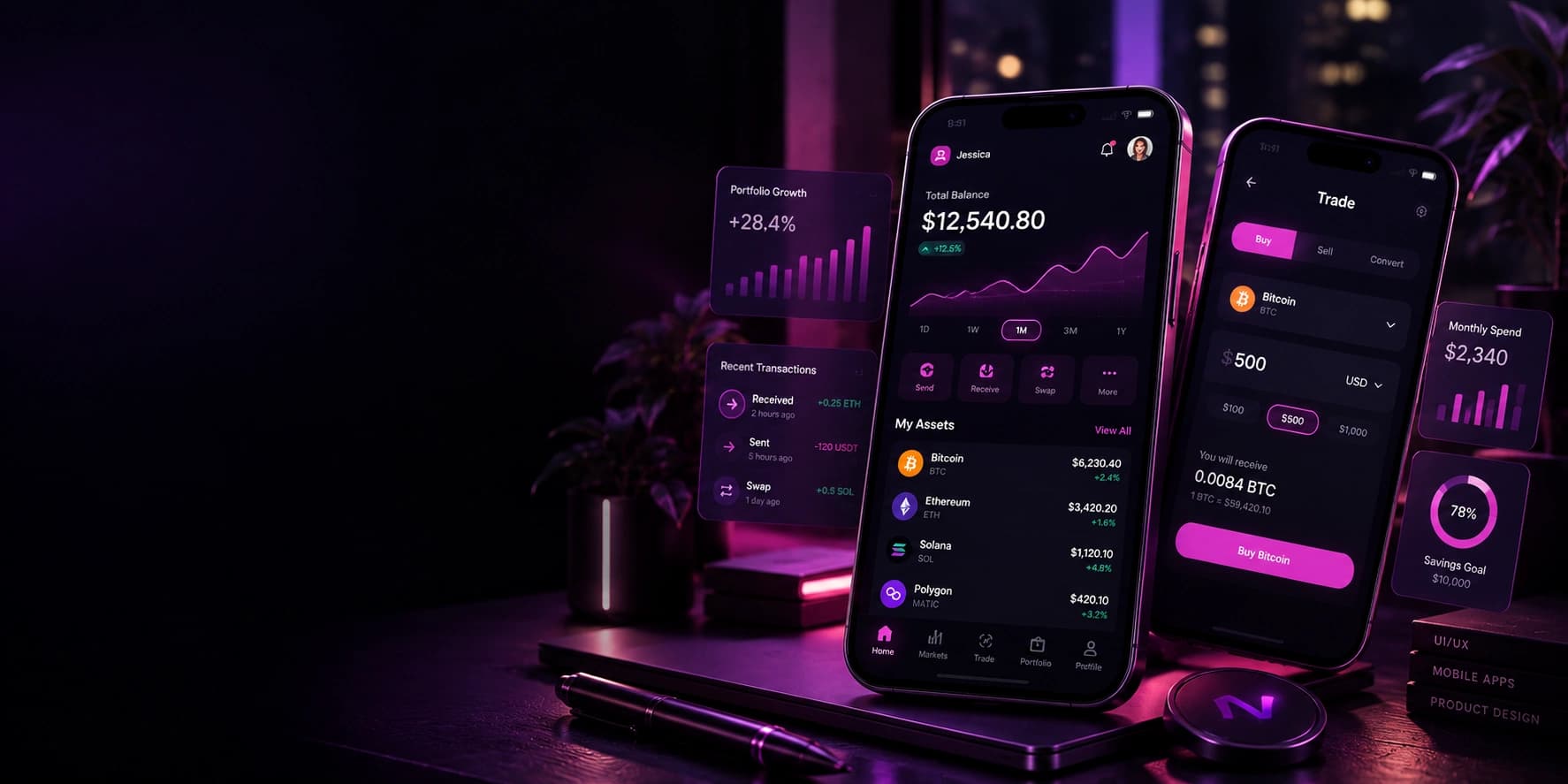
We plan mobile experiences around user tasks, device limits and release requirements.
NovaCraft maps flows, designs interfaces, develops agreed features, tests key journeys and prepares store submission with documented handover for future releases.
App projects carry costs a website does not, store review, device testing, release cycles. We scope those in from the start so the timeline is realistic.
Deciding what the first release genuinely needs, what belongs in version two, and whether an app is even the right answer rather than a mobile web experience.
Flows, screens and navigation designed for thumbs and interruptions, following iOS and Android conventions where users expect them.
One codebase serving both platforms, which suits most products and keeps two versions from drifting apart. We say when a native build is the better call.
Camera, location, biometrics, notifications, file access and background tasks, with permission requests made at a point where the reason is obvious.
Local storage, queued actions and conflict handling, so a dropped connection does not lose someone’s work or leave the interface lying to them.
Accounts, data, sync endpoints and integrations, built alongside the app rather than assumed to exist.
Listings, screenshots, privacy declarations, age ratings, signing and the review process itself, including handling a rejection when one arrives.
Ongoing updates, OS version compatibility, crash monitoring and the maintenance an app needs simply to keep working.
Cross-platform is the right default for most products. It stops being right when an app depends heavily on platform-specific behaviour or sustained high-performance graphics, and we will tell you when that is the case.
Used for flows, screens and prototypes, checked against each platform’s own conventions rather than one design imposed on both.
Used for apps that should behave consistently on both platforms from a single codebase, with over-the-air updates for minor changes.
Used where an app depends on platform-specific capability, tight hardware integration or performance a shared runtime cannot reach.
Used for accounts, data, sync, push notifications and the endpoints the app depends on.
Used for beta distribution, staged rollouts, store submission and crash reporting once real devices are involved.
Design · Used for flows, screens and prototypes, checked against each platform’s own conventions rather than one design imposed on both.
Where someone opens it several times a week and the home-screen icon saves real friction.
Work happening away from a desk, often with poor signal, where offline capability is the whole point.
Products needing biometrics, secure local storage and a flow that feels trustworthy at every step.
Two-sided products where notifications and quick repeat actions drive the experience.
Apps that depend on sensors, daily reminders and data that accumulates to become useful.
A focused mobile counterpart to an existing web product, doing the few things that suit a phone.
Deliverables follow the agreed scope. A typical app project may include:
The delivery method stays visible to both teams. Scope, responsibilities, feedback, approvals and handover are documented from the start.
We document deliverables, responsibilities, dependencies, review points and exclusions before production begins, so every participant works from the same agreed scope.
Files, notes, decisions, links and current priorities stay in one shared workspace, giving both teams a consistent source of project information.
Each week we record completed work, current tasks, blockers, decisions required and the next review point, keeping progress visible without constant meetings.
Feedback is consolidated by the client decision owner, reviewed against the agreed objective, then recorded before the next production stage begins.
Requests outside the approved scope are documented with their impact on timing, effort and dependencies before either team commits to the change.
Before handover, we review agreed acceptance criteria, test required journeys, document remaining actions and confirm ownership for launch or ongoing support.
Working instructions
Yes. Most projects use a single cross-platform codebase serving both, which keeps the two versions consistent and reduces cost. Where a product depends on platform-specific capability or heavy performance, we will recommend native builds instead and explain why.
An app is worth it when people use the product often, when it needs device features such as camera, location or biometrics, or when it must work offline. If it is mainly information or an occasional transaction, a fast responsive website is usually the better spend. We give you a straight answer at the scoping stage.
A focused first release typically takes eight to fourteen weeks including design, build and submission. Apps with accounts, payments, real-time features or several integrations take longer. Store review adds days at the end, and occasionally more if a change is requested.
You do. Listings are published under your organisation’s App Store and Play accounts, signing credentials are held by you, and the source code sits in your repository. We can set the accounts up with you if you do not have them yet.
Yes. That covers listing copy, screenshots, privacy and data declarations, age ratings, signing and the review process, including responding if the reviewer asks for changes.
Apps need maintenance even when nothing new is added, because operating systems and store requirements change. We offer support plans covering OS compatibility, crash fixes, dependency updates and new releases.
Yes. We can take over an existing codebase, add features, redesign the interface or improve performance. We start with a review of the code, dependencies and release setup, then tell you honestly what is worth building on.
It can, and for some products it must. Offline support means storing data locally, queueing actions and resolving conflicts when the connection returns. It adds work, so we agree early how much of the app needs it.
Most app projects go wrong by trying to launch with everything. The useful conversation is about what the first release must do to be worth installing.
Tell us who the app is for, what they would do with it, and what you have already decided.
Straight advice on whether you need an app. Your accounts, your code.